How to actually find that one reel you saved last month
You remember the reel was about sourdough starter. You remember it had a guy with a beard. You remember saving it on a Tuesday. None of that helps. The Instagram saves page does not let you search. It does not let you filter. It barely lets you sort. This post is the honest playbook for finding the reel anyway.
Why scrolling will not work past 200 saves
Instagram's saves page lazy-loads in chunks of around 12 reels per scroll. If you have 500 reels saved, that is roughly 40 scrolls of waiting for thumbnails to render before you reach the older ones. Each thumbnail is a 9:16 video preview that has to decode in the browser.
The math gets worse. Saves are sorted newest first with no option to flip. The reel you want is almost always old, which means it is almost always at the bottom. You can scroll for four minutes and still not see the one from six months ago.
If you have ever caught yourself staring at the same six pasta thumbnails wondering if any of them is the one, this is why.
The DIY workaround, and its limits
A few people have invented coping strategies. They each work up to a point.
Pinned collections. Instagram lets you bucket saves into named collections. This works if you remember to file every save the moment you save it. Most people do not, and the cost of going back and bucketing 800 untagged saves is a Saturday afternoon you will not get back.
Screenshot every keeper. You see a reel you really want to remember, you screenshot it, and you let your camera roll be the index. This is clever, but it only catches the reels you screenshot in the moment, not the ones you save and forget.
Move it to another tool. Some people forward reels to themselves in DMs, or paste links into Notes. This makes the reel findable but breaks the playback. You end up with a link, not a video.
None of these scale once your saves grow past a few hundred.
The Reelic way: search by caption, hashtag, or handle
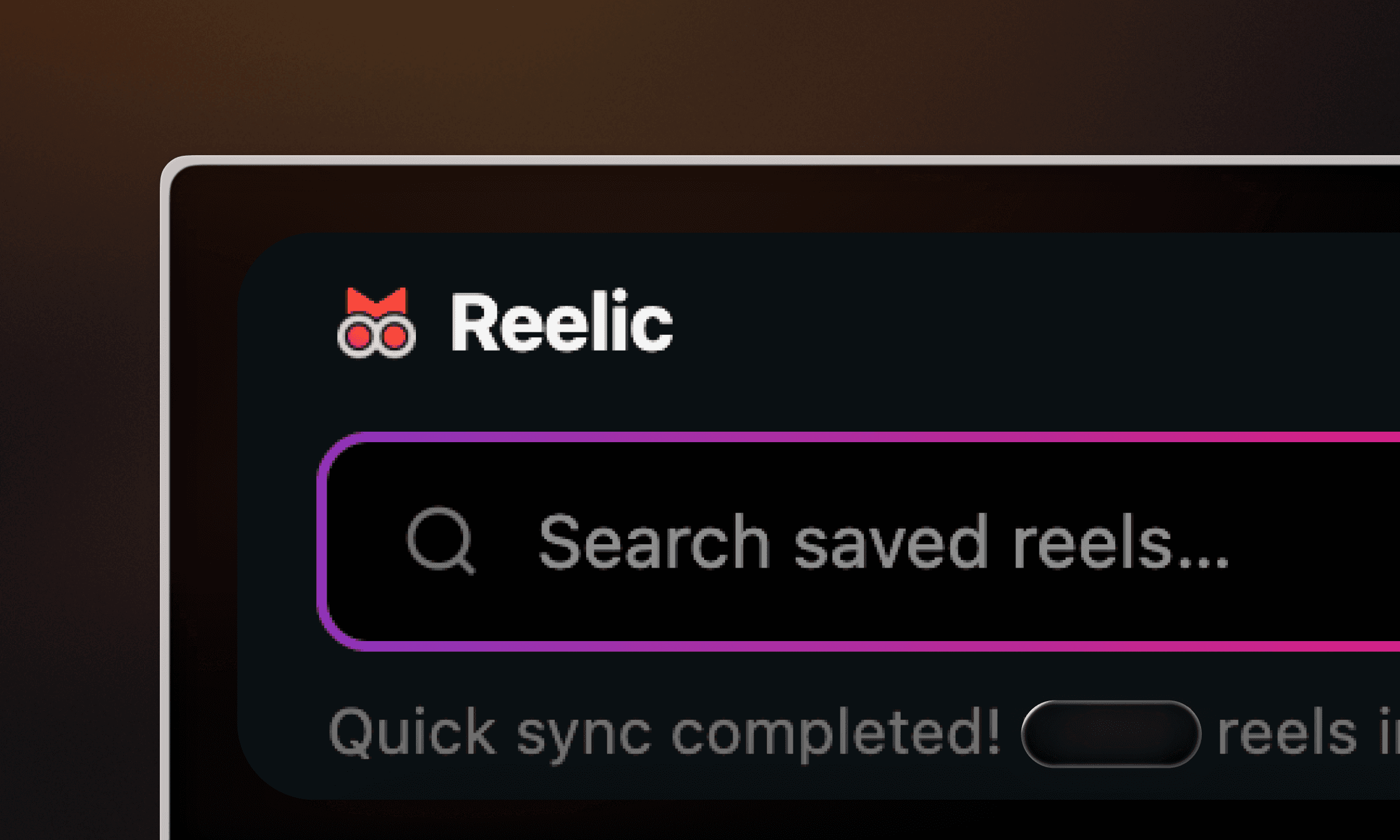
Reelic indexes every reel on your saves page the moment you visit it. From then on, all three of the things you actually remember about a reel become searchable.
Captions. The reel's caption is the richest signal. Reelic does fuzzy matching, so "sourdoh" finds "sourdough". Type two words and we narrow to the handful of matches.
Hashtags. If the creator tagged the reel #pasta or #vintageinteriors, you can pull every save with that tag in one go. Useful when you remember the topic but not the words.
Handles. If you remember the creator, type @ and start typing. Every reel you saved from that account, in date order. Faster than scrolling their grid.
Power-user moves
A few tricks that lock the workflow in.
Combine handle and caption. Search "@cooking.kara pasta" to narrow to the pasta reels from one creator. Two terms, no syntax, just space-separated.
Use the dashboard pills. The top-creators view in the side panel shows your most-saved accounts as one-click filters. Tap a creator, you get only their reels.
Open on Instagram in one click. Every Reelic result has a link straight to the original reel on instagram.com, so playback feels native.
When even Reelic cannot find it
Some reels are stubborn. A reel with no caption, no hashtags, and an obscure creator is genuinely hard to retrieve from text alone. When that happens, two moves usually crack it.
Filter by creator first. Even if you only remember the look of the account, the dashboard's top-creators view is a short list. Scrub it, and you will almost always land on the right grid.
Scrub the thumbnails. Once filtered to one creator or one hashtag, you are looking at a few dozen thumbnails, not a few hundred. Your eyes will find the right frame in under a minute.
The whole point of Reelic is to make this last-resort case rare. Most of the time, "lentil soup" or "@cooking.kara" gets you there in five seconds.